
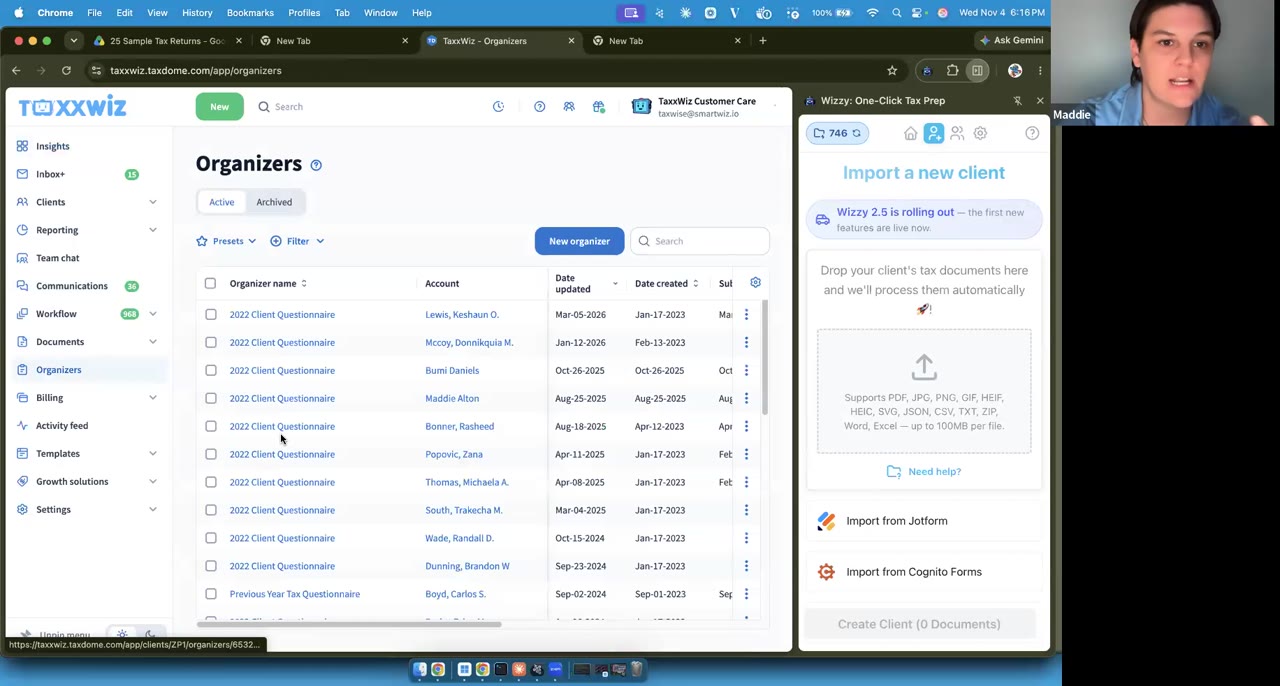
 IntegrationsDeep dive1:02:35
W-2 wage earnersIntake & integrationsHealth & HSA (1095, 1099-SA)OLT Pro
Connecting GoHighLevel and importing a simple W-2 return into OLT
Wednesday, Nov 11, 2026 · 1 hour 9 minutes 24 seconds · Exported to OLT Pro
Practice files
The live client came from a GoHighLevel test form. To follow along, pick any of the 25 sample clients shared in the session.
Client folder in Drive
25 Sample Tax Returns
In Drive, choose Download on the folder to get it as one .zip for Wizzy.
- Client intake form (GoHighLevel)
- W-2
- Driver's license
The return at a glance
The first half connects GoHighLevel to Wizzy. The same steps apply to JotForm, Cognito, Taxes2Go and TaxShield. The practice client, Clarence Treewood, comes in from a GoHighLevel sample intake form with a W-2 and a driver's license. The session covers duplicates and credits, adding a late document with Upload, and a One Click run into OLT (shown as The SSOSB). It ends with a post-export review and how to get your credit back for a sample client.
| Documents | A copy of the intake form, one W-2 and a driver's license. A simple return. |
|---|---|
| Wages | One W-2 with box 12 code W, employer HSA contributions. One Click warned about it for Form 8889. |
| Gaps | No bank details on the intake. A placeholder routing and account number was typed into Wizzy to clear the warning. |
| Credits | The client did not qualify for any credits, so line 5 of the 8867 stayed empty. |
| Intake | A GoHighLevel sample intake form submission, imported from Add a Client with one checkbox. |
Run it yourself with Wizzy
- 1
Pin Wizzy and close the onboarding.
Click the puzzle piece in Chrome and pin Wizzy. If you see an orange update banner, click it. For this session, exit the onboarding with the X and choose to skip for now, not forever.
- 2
Log in, and let Wizzy take over.
Open Add a Client and choose your integration. Step one for almost all of them is to log in the way you normally would. Wizzy then takes over the screen. On GoHighLevel, install the SmartWiz import app on your agency or on your sub-account, whichever holds your tax office's submissions. Click Allow and Install at the end; this is where people miss it and it times out.
- 3
Pin your forms, then import.
Pin the forms you use this year to keep the list clean. Show hidden forms brings back the rest. Each submission shows the name, the date and the number of files. If no clients show, add a filter and type the name of the field your form uses for the client's name. Check up to 10 clients and create them.
- 4
Review before you unlock.
Unlocking uses a credit, once per tax year: 2024 and 2025 for the same client is two credits. Creating the same client again, from Show Previous or the upload box, makes a duplicate profile. If you need a fresh one, archive the bad profile or tag it so you can tell them apart.
- 5
Fill only what you need, and upload late documents to the profile.
Wizzy warns about everything the software asks for, but it treats every client as new. If the data is already in your software, you don't need to fill it. The taxpayer's SSN is the one thing Wizzy must have. If the client sends a document later, open their profile and click Upload. Re-exporting uses no extra credit.
- 6
Run One Click in OLT.
Log in to OLT in the same window as Wizzy, then press Run One Click. Wizzy needs OLT in direct input mode and checks the setting for you. If your client list masks SSNs, Wizzy asks to unmask them; if you'd rather not, open the return yourself first. If Wizzy pauses, fix the screen and click Resume.
- 7
Read the warnings, then review side by side.
When One Click finishes, read the warnings. Here it flagged the box 12 code W for Form 8889. Check what was and was not exported. Then go back to the profile and compare it with the return, line by line, with the documents open in Wizzy.
- 8
Leave feedback. Write "sample client" to get your credit back.
Rate the run and say what went well or wrong, with enough detail that a person could act on it, like "Box 13 on W-2." If you ran a sample client, put "sample client" somewhere in the review and the credit comes back. The team reads every review.
More sessions like this
IntegrationsDeep dive1:02:35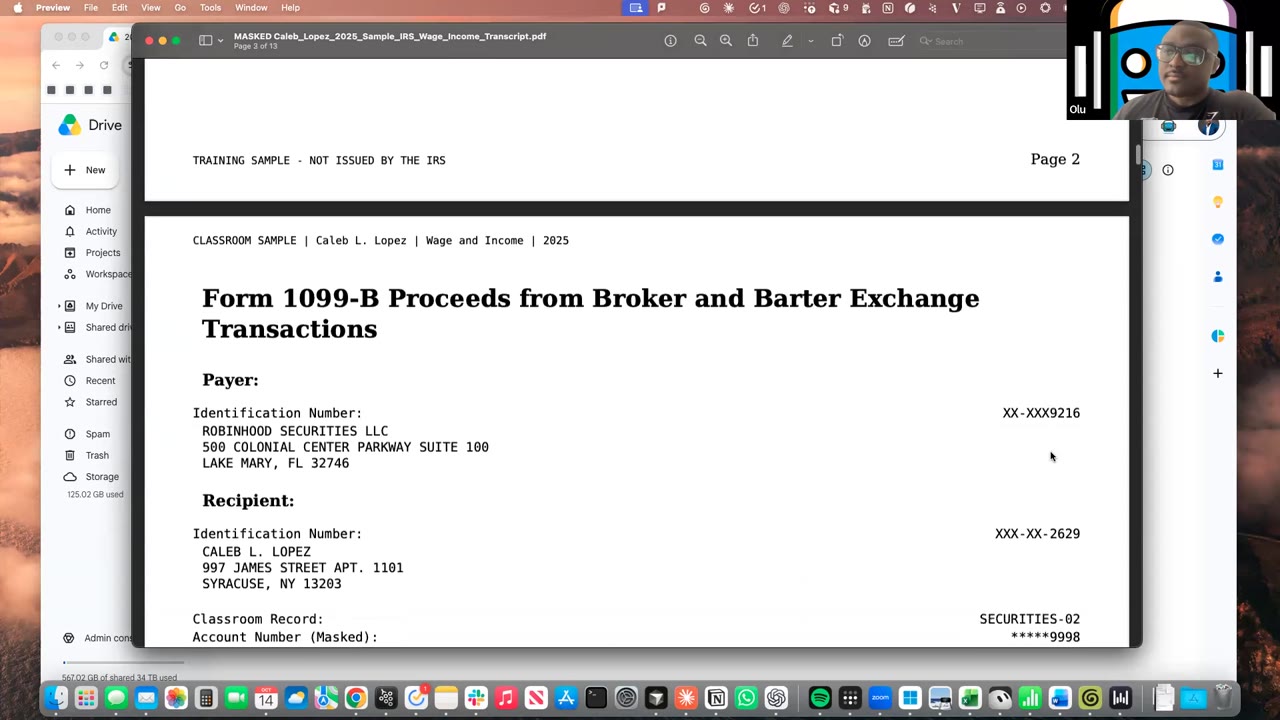 W-2 + investments (IRS transcript)Exported to TaxSlayer55:38
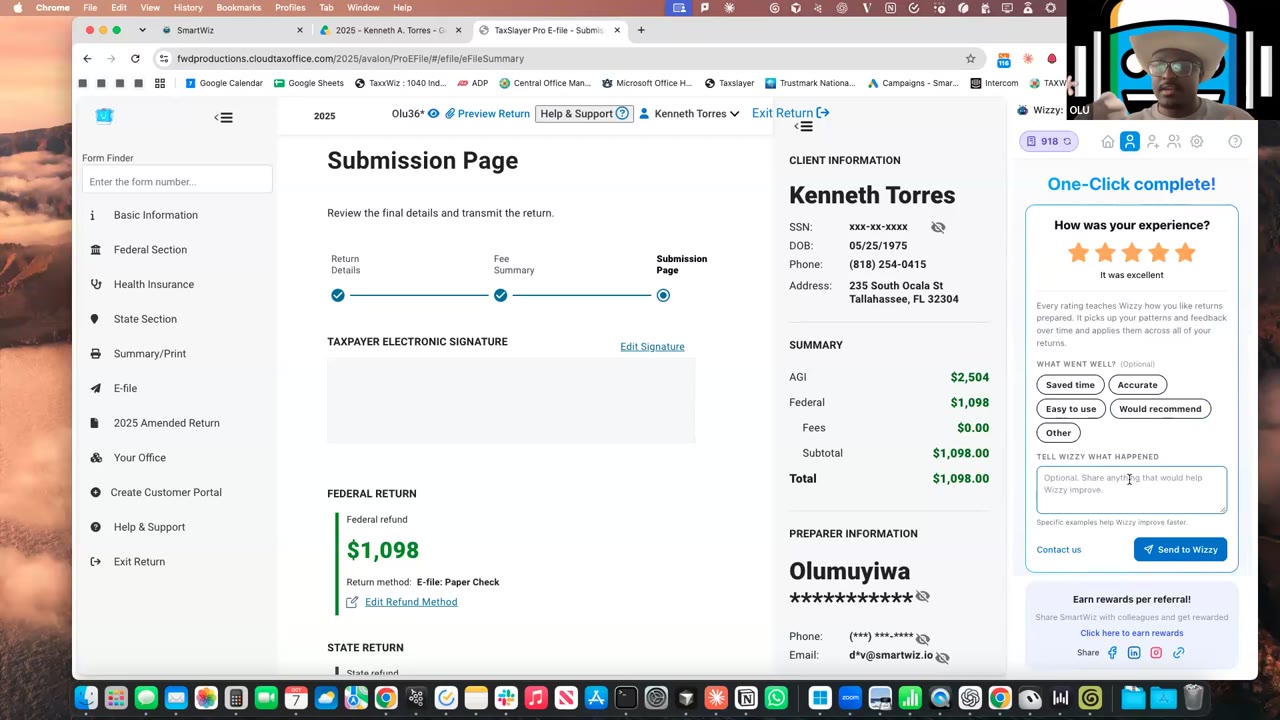 W-2 + investmentsExported to TaxSlayer and TaxWise55:29