
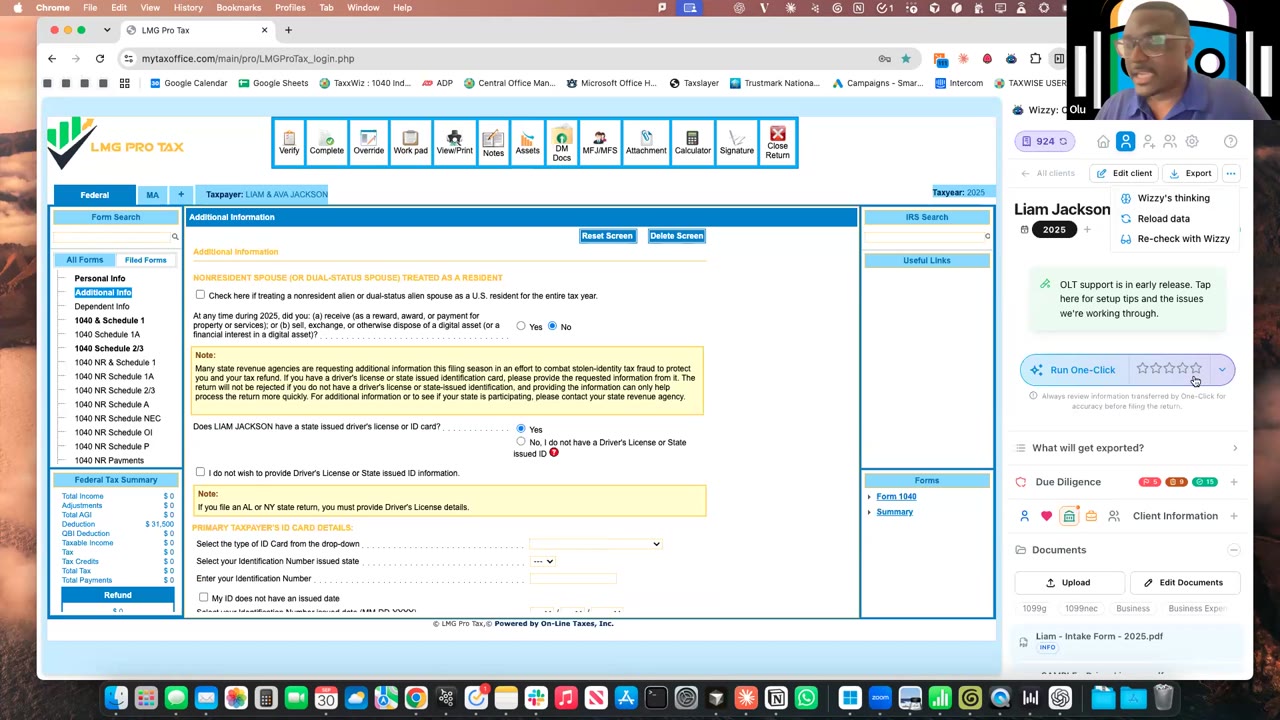
 MFJ · Schedule CExported to OLT (LMG Pro Tax)1:10:34
Schedule C / self-employedOLT Pro
Married couple with two farms on Schedule F, a welding business on Schedule C and a rental
Wednesday, Oct 21, 2026 · 1 hour 9 minutes 35 seconds · Exported to OLT Pro
Practice files
The same client folder used live. Run it in your own software.
Client folder in Drive
2025 - Dale Harper
In Drive, choose Download on the folder to get it as one .zip for Wizzy.
- Harper Cattle Co profit and loss
- Renee's Hay and Pasture profit and loss
- Harper Welding and Fabrication profit and loss
- 412 Elm St rental statement
The return at a glance
A married couple with no W-2s or 1099s, only statements: a cattle operation and a hay operation on Schedule F, a welding business on Schedule C and a rental house on Schedule E. With no organizer, the session shows what to fill in by hand before export, the new taxpayer and spouse swap, and the run into OLT. Schedule F and Schedule E are new in Wizzy.
| Filing status | Married, with a spouse on the return |
|---|---|
| Farms | Two Schedule Fs from profit and loss statements: a beef cattle operation for the taxpayer and a hay operation for the spouse. |
| Business | Schedule C for a welding and fabrication business. Wizzy picks the business code. |
| Rental | Schedule E for a single-family rental, rented all 365 days with no personal use. |
| Gaps | No SSNs, address, phone, date of birth or occupation on the statements. Typed in before export so OLT runs as a new return. No direct deposit; Wizzy warns, and the return still runs. |
| Intake | The four statements selected in Add a Client. No organizer, W-2s or 1099s. |
Run it yourself with Wizzy
- 1
Get an organizer every year.
Things change that clients don't even notice, like an address or a dependent who now files on their own. An organizer gives Wizzy the context it works from. This client sent only statements, so the session shows what happens without one.
- 2
Give Wizzy structured P&Ls.
Wizzy is a tax prep assistant, not a bookkeeper. A clear profit and loss for each business, with income and expenses kept apart, gets the best result. Bank statements, especially for businesses run through a personal account, are hard even for a human. Messier data also brings more questions on the profile. Answering them is optional.
- 3
Upload just the documents.
Open the extension, choose Add a Client and use the document upload box. Drag the files in or click the box and select them. Remove one you added by accident, then Create Client. On Drake Desktop, use Upload Clients instead.
- 4
Fill in what the statements can't give.
Wizzy flags what's missing. The taxpayer's SSN is always needed: Wizzy finds the return in your software by SSN, because names repeat, like a junior and a senior. For a returning client, the rest may already be in your software. For a new client, OLT won't let you past the first page without it, so type in the phone, date of birth, occupation and address.
- 5
Match taxpayer and spouse to your software.
Without an organizer, Wizzy may not know who is primary in your software. Click the new swap arrow on the spouse. Wizzy flips taxpayer and spouse and moves the documents with them, so it opens the existing return instead of creating a new one.
- 6
Add a late document on the client.
Use the Upload button on the client profile and add a note for Wizzy. Adding it through Add a Client creates a second client, and there's no merge.
- 7
One-click into OLT, then review.
With OLT open and logged in, unlock the return and press Run One Click. The process is the same in TaxSlayer, TaxWise, Drake Online and Drake Desktop. You can work in another browser window while it runs. Then check the business code on Schedule C, the rental days on Schedule E, and the principal product codes and livestock sales on each Schedule F.
- 8
Leave specific feedback.
Rate the run and say exactly what went right and wrong, the way you would with a preparer. The team reads every review. Write "sample client" and you get the credit back. Contact us next to the review opens a chat with real people.
More sessions like this
MFJ · Schedule CExported to OLT (LMG Pro Tax)1:10:34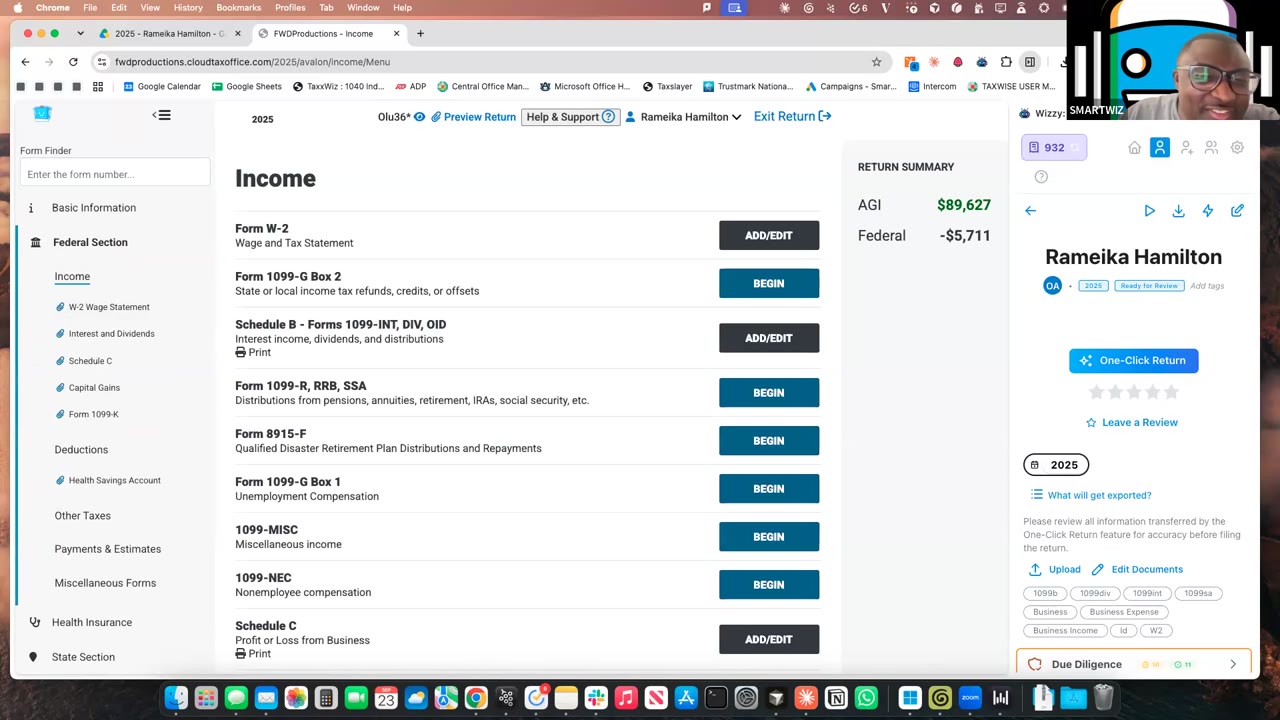 Schedule C · Self-employedExported to TaxSlayer1:19:56
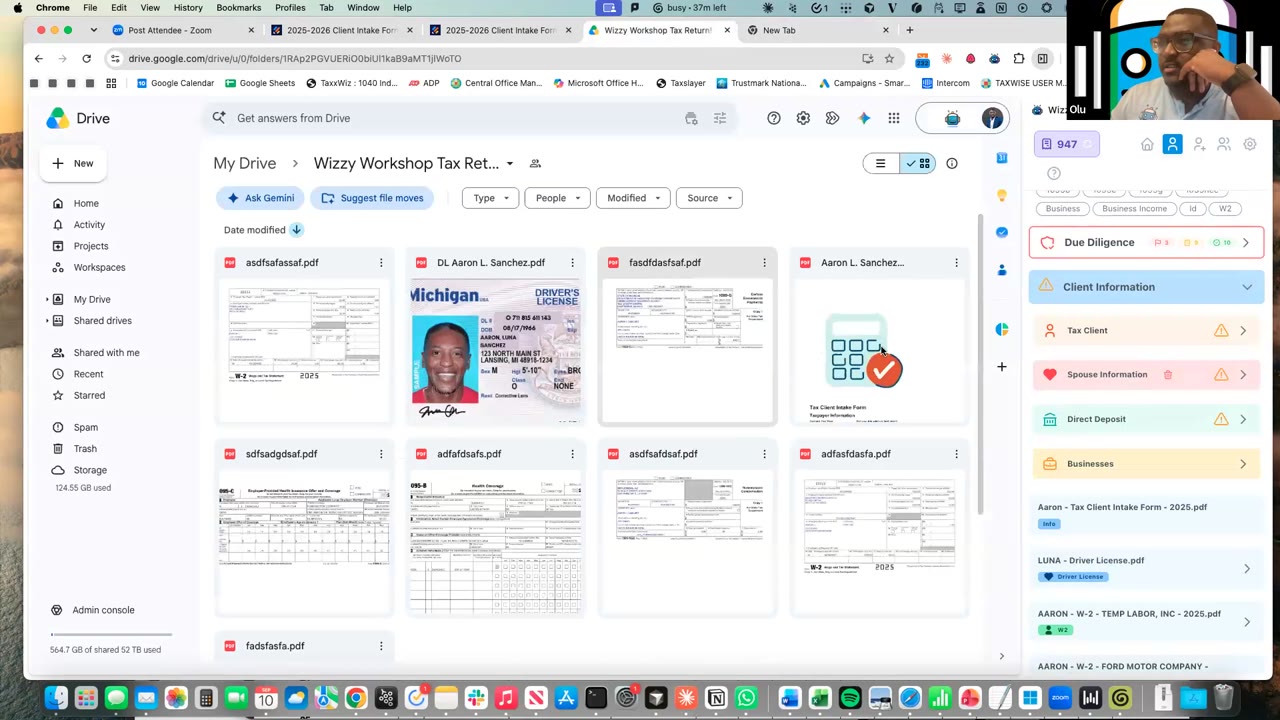 W-2 + side incomeExported to Drake Tax Online58:10